
How to Program a Replacement Key Fob Safely
A replacement key fob can look simple, but getting it to work with your vehicle is not always a simple battery-and-button job. When you need to program a replacement key fob, the right method depends on the vehicle's year, make, model, key system, and whether you still have a working key. One wrong purchase or programming attempt can leave you with a fob that turns on but cannot start the vehicle.
For drivers stranded at home, work, a parking lot, or along the road, the fastest answer is usually not guessing through online instructions. Identify the key system first, then choose the programming option that actually fits your vehicle.
Can You Program a Replacement Key Fob Yourself?
Sometimes. Many older vehicles allow owners to pair a basic remote by following a sequence involving the ignition, door locks, and fob buttons. These procedures may allow the remote functions to work, such as locking doors, opening the trunk, or activating the panic alarm.
That does not necessarily mean the vehicle will start. Most modern vehicles use a transponder chip, smart key, proximity fob, or immobilizer system. These systems communicate with the vehicle's computer and require specialized diagnostic equipment, security access, or a programmed key already on hand. A remote that operates the door locks but will not start the engine is often missing the correct transponder programming.
DIY programming is most likely to work when the vehicle manufacturer specifically supports owner programming and you have a compatible, properly cut replacement. It is less likely to work on newer push-button-start vehicles, late-model trucks, luxury vehicles, and vehicles that have lost every working key.
Start by Confirming What Type of Key You Have
Before ordering a replacement, look at what your vehicle uses now. There are several common types, and they are not interchangeable.
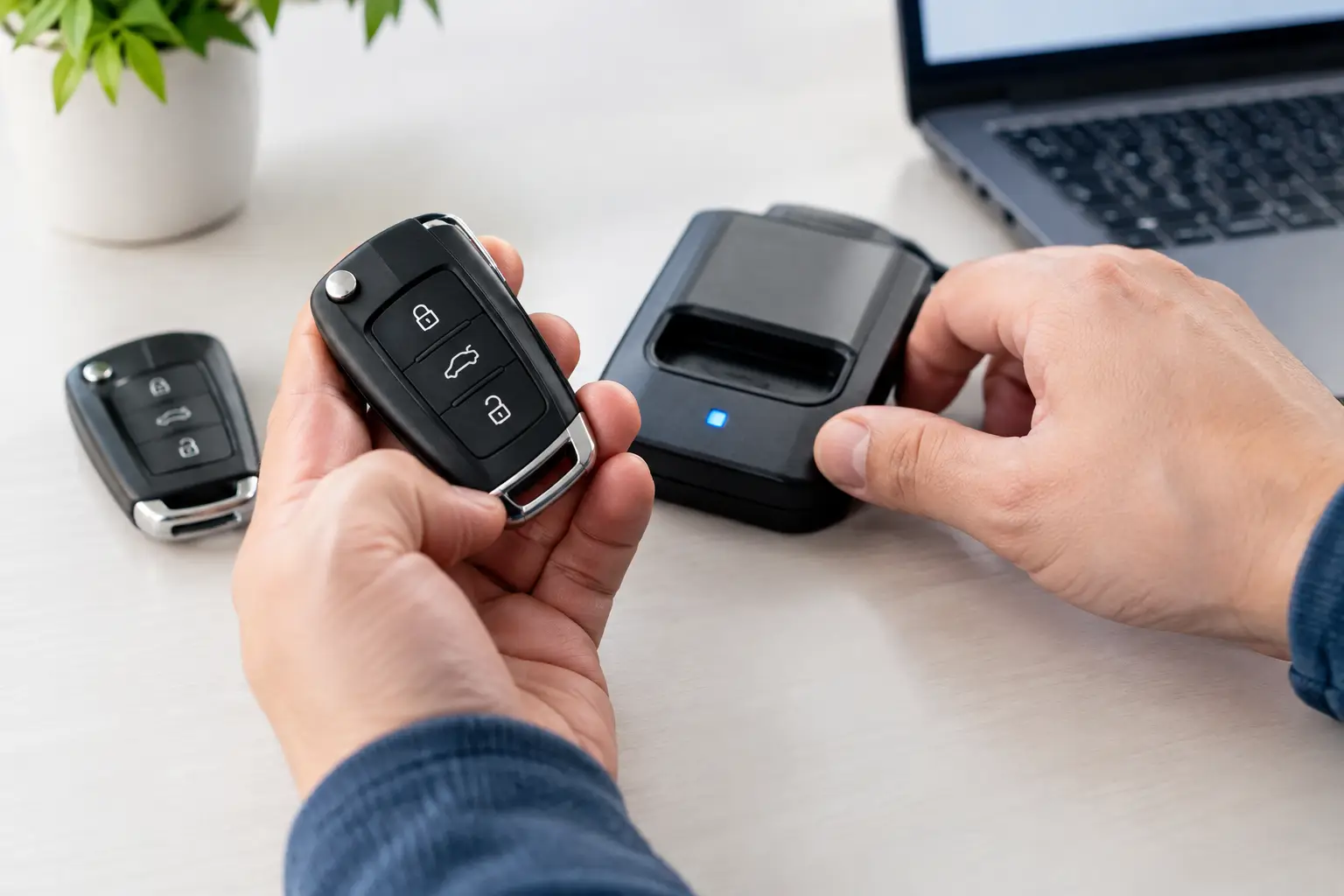
A basic remote fob controls door locks and other convenience features but may be separate from the metal ignition key. A transponder key has a chip inside the key head that must be recognized before the engine will start. A flip key combines a remote and folding metal key blade. A smart key or proximity fob stays in a pocket or bag and allows push-button starting when it is inside the vehicle.
The key's appearance is only part of the equation. Two fobs that look nearly identical can use different frequencies, chip types, button layouts, or part numbers. The vehicle identification number, original fob number, and exact year and trim level help confirm compatibility. A fob from the same make is not automatically a match.
If you are replacing a damaged fob, keep the old one. Even a cracked or worn fob can provide useful part-number information. If the old fob still works, it may also make certain programming procedures possible.
What You Need Before Programming
A successful replacement starts with the correct hardware. The replacement key fob needs to match your vehicle's electronic system, not just its physical shape. If it has a metal blade, that blade must also be cut to fit the ignition or door lock.
You should also have a fresh fob battery, because a weak battery can create confusing symptoms during testing. Have every existing working key and fob available before programming begins. Some vehicles erase previously programmed remotes during the process, meaning any remote not present may stop working afterward.
For a do-it-yourself procedure, use instructions specific to your exact vehicle. Generic instructions that claim to work for every vehicle often waste time or trigger only the remote-lock functions. If the instructions do not clearly identify your vehicle's model year and key type, do not rely on them.
Steps to Program a Replacement Key Fob When DIY Is Supported
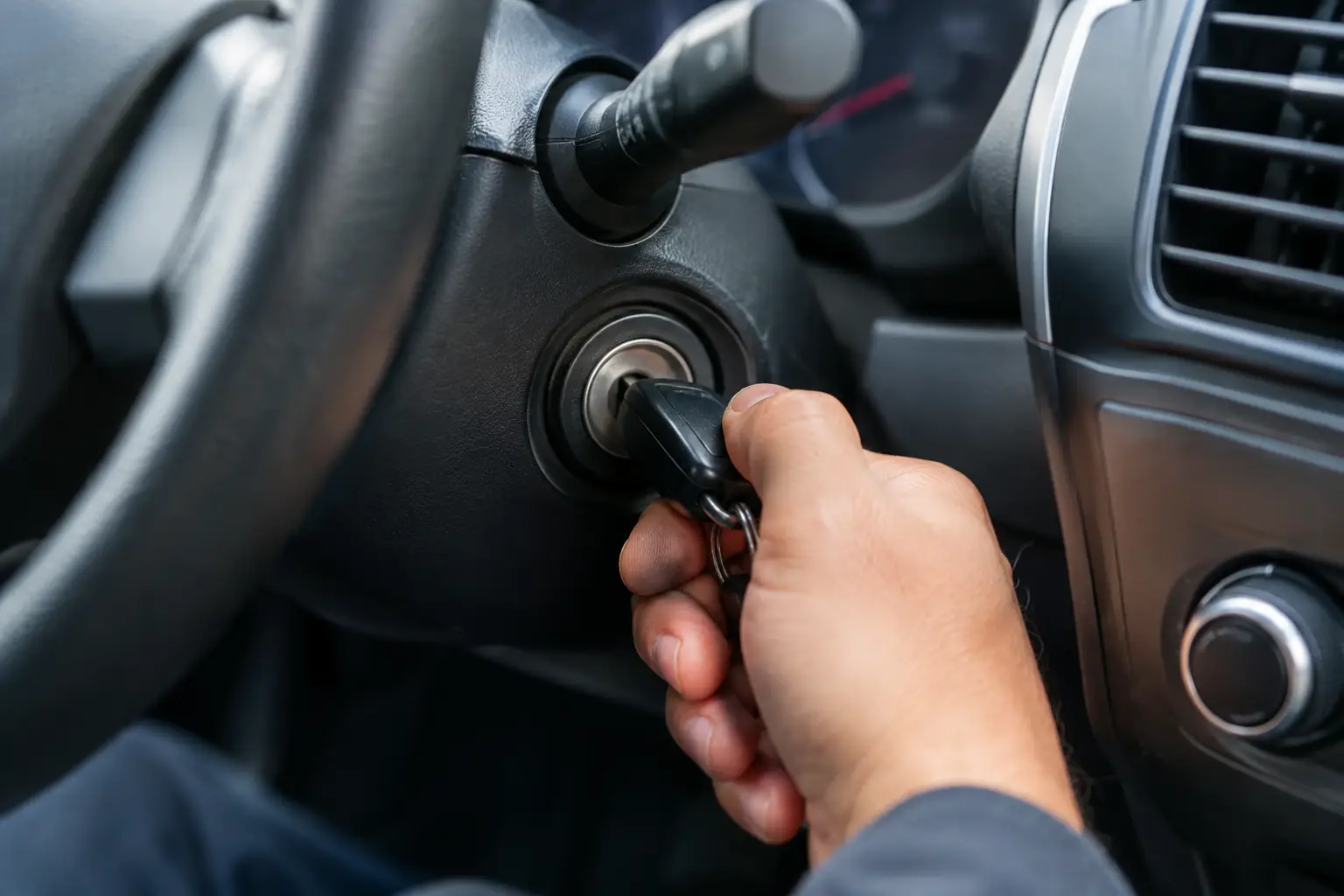
Owner programming procedures vary, but the process usually follows a pattern. First, sit in the vehicle with all doors closed and all keys or fobs ready. Second, follow the vehicle-specific ignition or start-button sequence exactly. The timing can matter, especially when cycling the ignition or pressing a remote button.
The vehicle may signal programming mode with a door-lock cycle, dash light, chime, or message. At that point, press the required button or place the fob in the designated programming location. Some push-button-start vehicles have a backup recognition slot in the center console, cup holder, or steering-column area.
After programming, test every function before you leave the vehicle. Check lock, unlock, trunk release, panic function, remote start if equipped, and most importantly, engine starting. If the fob only performs some functions, programming is incomplete or the replacement is not compatible.
Do not keep repeating the sequence for an hour if it fails. Repeated attempts can drain the vehicle battery, confuse the process, or leave you without access to a working fob if the system erases existing remotes.
When a Locksmith Is the Better Option
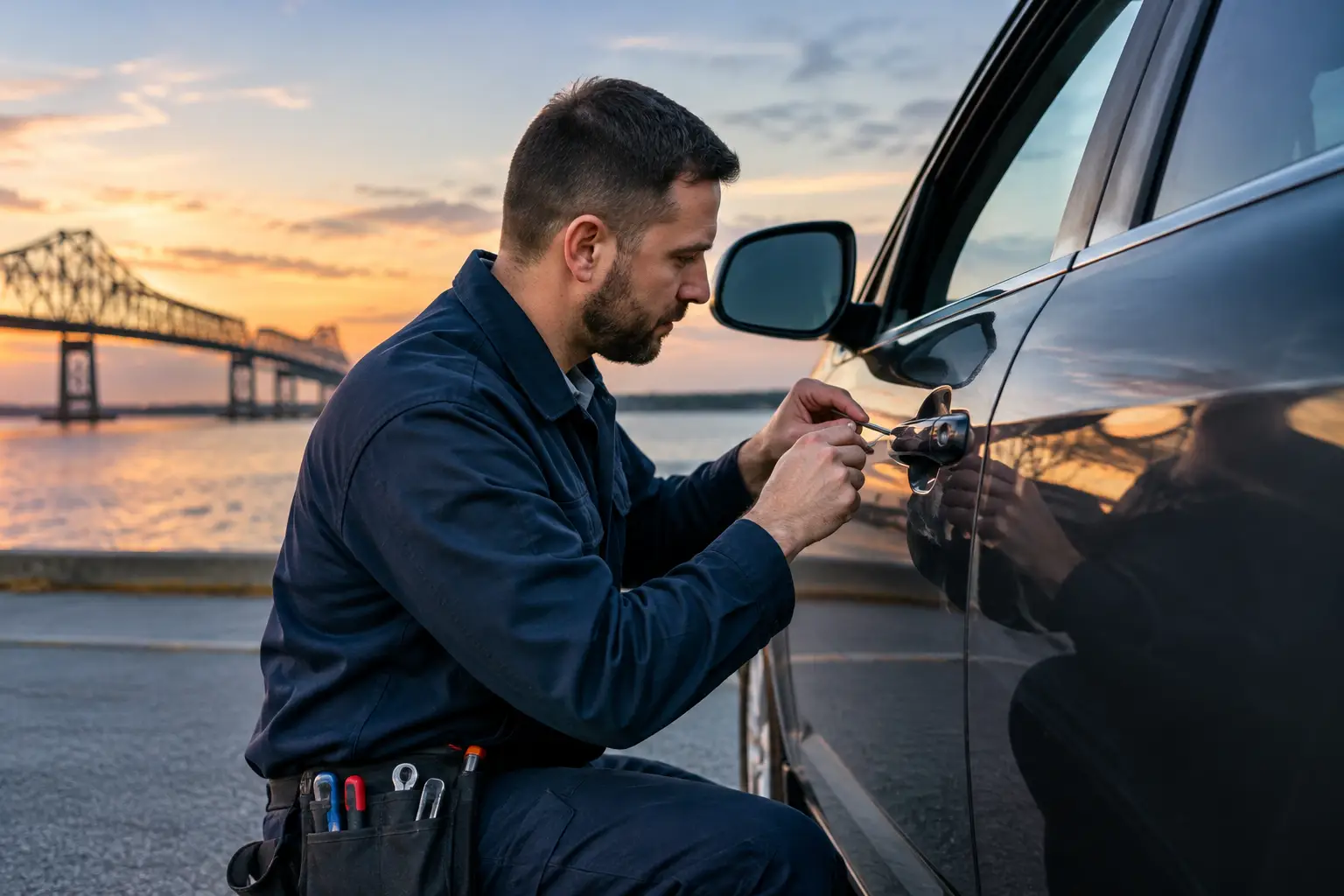
A mobile automotive locksmith is usually the practical choice when no working key remains, the vehicle has a smart key system, the replacement needs cutting, or the vehicle will not start after a fob has been paired. Professional programming equipment can communicate with the vehicle's immobilizer and confirm whether the key chip is accepted.
This matters after lost-key situations. Without an existing working key, many vehicles require security procedures that cannot be completed with a basic retail programmer. Some systems need a PIN code, proof of ownership, or access through manufacturer-level diagnostic tools.
A locksmith can also determine whether the issue is actually the fob. A dead vehicle battery, blown fuse, damaged antenna, faulty door-lock actuator, ignition problem, or module communication failure can all look like a key fob failure. Replacing and programming a new fob will not correct a vehicle-side electrical problem.
For Hammond-area drivers, Hopper Roadside can provide mobile automotive locksmith support when a key issue leaves you stuck. That can save the trouble of arranging a tow simply to address a lost, damaged, or unprogrammed vehicle key.
Dealer Programming vs. Mobile Programming
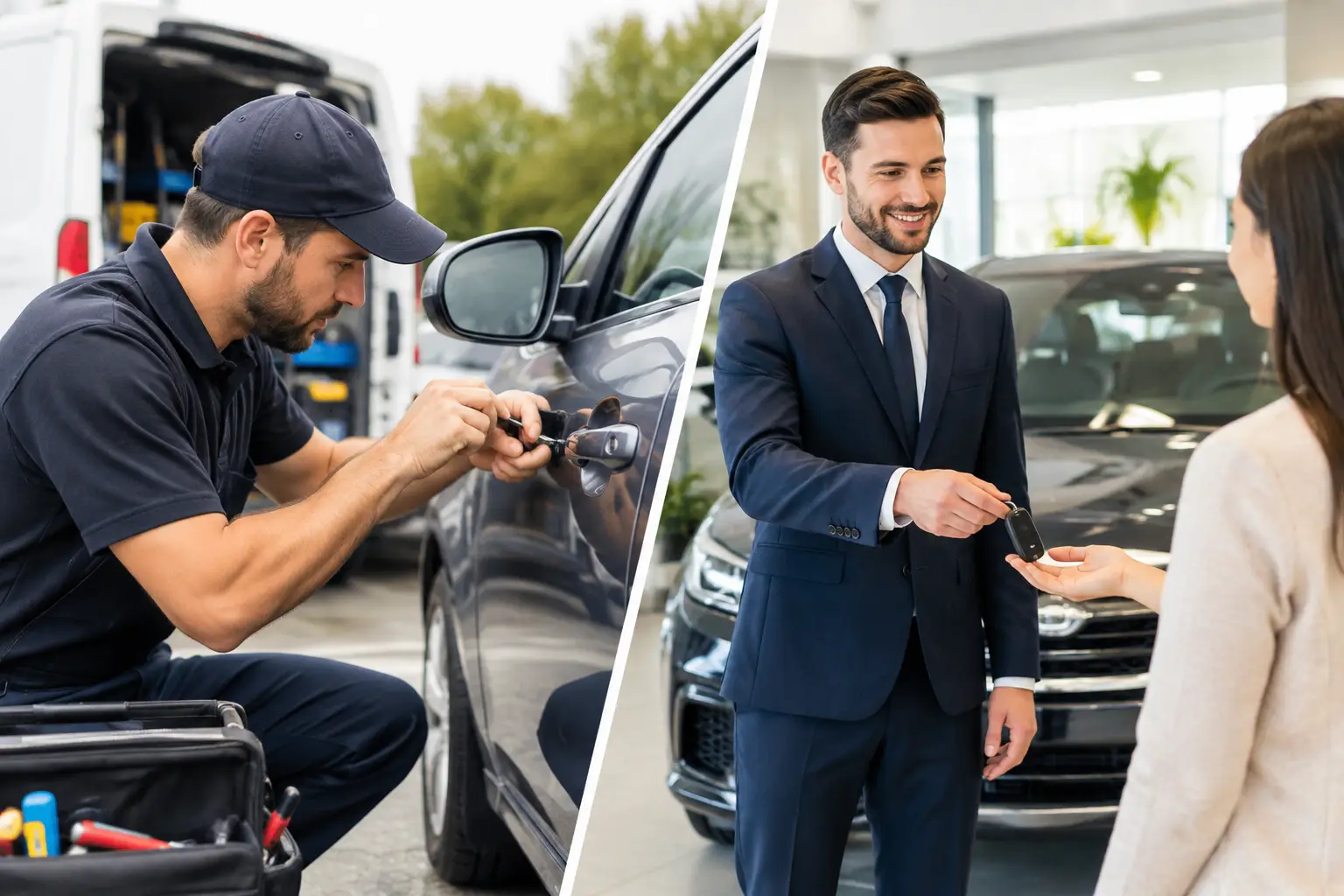
A dealership is a valid option, particularly for very new vehicles, warranty concerns, or systems with tightly controlled manufacturer security. The trade-off is that the vehicle may need to be towed there, appointments can be limited, and the total downtime may be longer.
Mobile programming is often more useful when the vehicle cannot be driven or the problem occurs after hours, at a job site, or away from home. A qualified automotive locksmith can come to the vehicle, cut a key when needed, program the correct fob, and verify that it starts before leaving.
The best choice depends on the vehicle and the situation. If you have a spare and only need an additional remote, a planned dealership visit may be fine. If you are locked out, stranded, or have no working key, on-site assistance is usually the more direct path.
Avoid These Common Replacement Fob Mistakes
The lowest-priced fob is not always the lowest-cost solution. Aftermarket fobs can work well when they are correctly matched, but poor-quality or incompatible units may fail during programming or stop working soon after. Used fobs create another complication: some vehicles will not accept a previously programmed smart key without specialized resetting, and others will not accept it at all.
Do not ignore the mechanical key blade. Many smart fobs contain an emergency key that can open the door when the fob battery dies. If that blade is not cut or does not match the vehicle, you may still be unable to get inside during a battery failure.
Also, do not wait until the only working fob is barely functioning. If buttons work intermittently, the case is broken, or the vehicle displays a key-not-detected message, address it before the fob fails completely. Programming a spare while one working key remains is usually easier than replacing every key after they are lost.
A replacement key fob should restore dependable access and starting, not create another roadside problem. Confirm compatibility, test every function, and call for qualified help when the vehicle's security system requires more than a simple button sequence.